

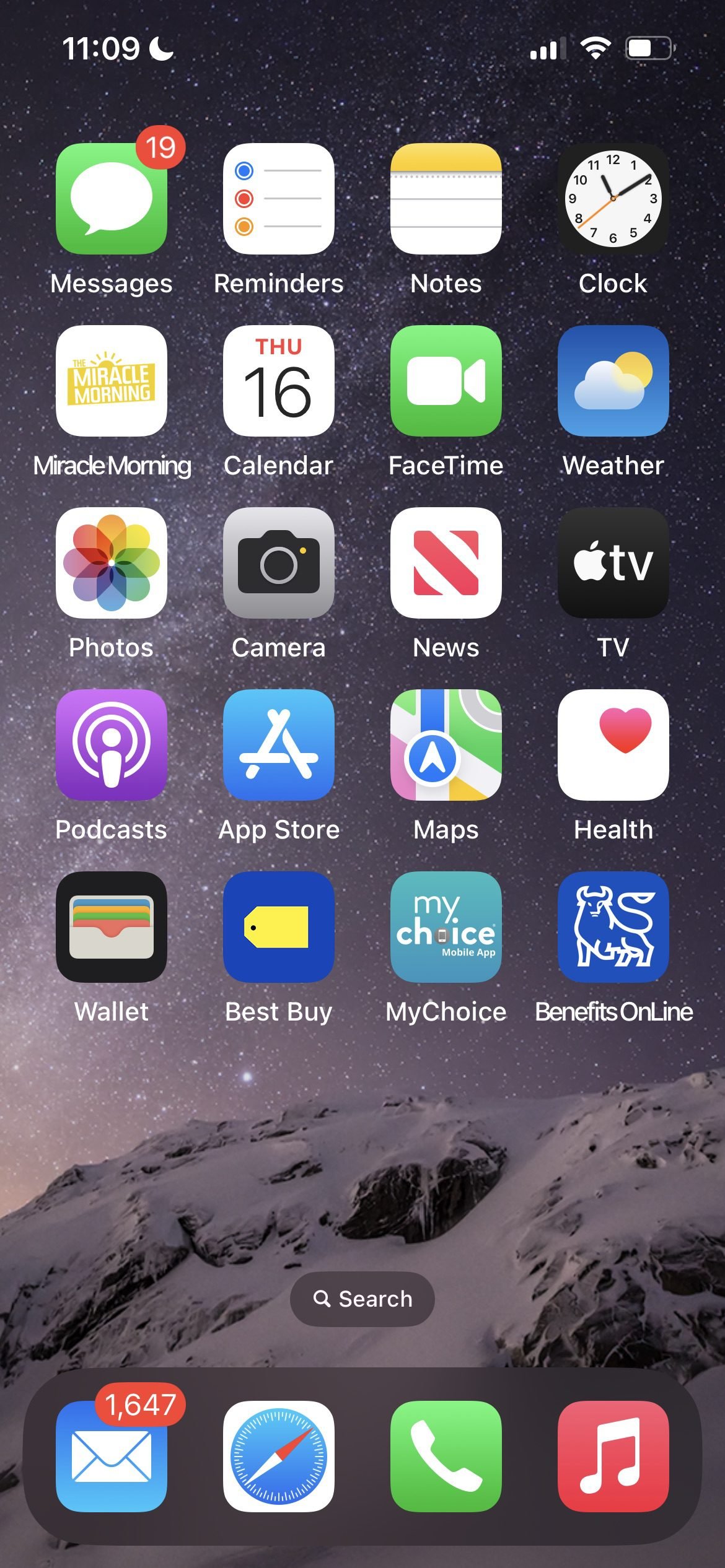
Have you ever wondered if you need to unplug from your smartphone? Take a look at your most recent screentime report. Late in 2025, I was shocked to see the number. I spent an average of 8 hours on my phone! We spend an average of 4 hours and 39 minutes on our devices. Pre-pandemic, people did not use their phones for everything. However, during the pandemic, people used their phones for everything ranging from online shopping to banking. However, smartphone creep means we have too many distractions. But at what cost? Well for starters, we’re staying up later glued to our phones. We are exhausted and stressed from being too connected and also disconnected and distracted. Employees receive notifications from their work computers, work phones and personal devices.
DIGITAL DISTRACTIONS
One day, the screentime report on my smartphone showed that I was on my phone for 14 hours in the day. What was the culprit, I wondered. The answer was social media, YouTube podcasts and the news. Apparently, I picked up my phone multiple times in an hour. I was also getting under 7 hours of sleep almost daily. The reality is that I was allowing my device to steal and control my time. I finally decided that enough was enough. Clearly, I needed to unplug especially since I’m on my computer all day. I wanted to stay focused at work, get adequate sleep, be present and have a healthier relationship with my phone. If you’re reading this thinking “I want this too!” read on to learn how I went from an average of 8 hours of screen time on my phone to under 3 hours.
HOW OUR PHONES ARE A DISTRACTION
- Online Shopping
- Streaming tv, movies, live sports
- Text/group chats
- Social media
- News apps
- Games
In the attention economy, companies monetize and profit from keeping us on our devices. The less we unplug, the more money they make. As noted above, there is no shortage of apps to keep us on our devices. While it’s convenient to do just about everything on our phone, it’s also harming us.
THE COST OF DIGITAL DISTRACTIONS
- health
- productivity (task-switching)
- relationships
COMMON METHODS TO UNPLUG THAT DON’T WORK
- Set Screen Limits
- Hide phone
- Website blocker apps or extensions
- Willpower
I personally have tried to set screen limits. However, I can ignore the limits. I have tried putting my phone away in another room but my personal phone is my work phone. Parents and caregivers need to access their phones in the event of an emergency. I considered a website blocker and even Brick but then realized that just costs more money. While willpower is great very few people can power through consistently.
MY FREE 3-STEP METHOD THAT REALLY WORKS
- Grayscale
- Flora App
- Gamify
STEP 1: gRAYSCALE YOUR PHONE TO UNPLUG
Once I started tracking my screen time and realized willpower was not enough, I decided to ask others how they tackle this issue. A friend of a friend introduced me to the concept of grayscaling my phone. I had heard of this but didn’t know how to. It’s actually quite simple to turn color filters on in the settings on an iphone and turn the screen gray. Once I tried that, I was hooked. Or rather, the screen was so ugly and unappealing that I had no desire to look at my phone. That was just step one.
STEP 2: USE APPS TO UNPLUG
For step 2, I decided to turn to an app that I had been using during the day but not always at night. Flora is truly the most effective way to unplug from your phone. The concept is simple. If you set a focus time not to be on your phone and you doomscroll or visit any website, you kill a virtual tree. I don’t want to kill a tree so my motivation is quite high not to touch my phone while using the app. My digital sunset now includes setting focus time on the Flora app.
STEP 3: TURN UNPLUGGING INTO A GAME
Finally, for step 3, I decided to turn screentime tracking into a game. AI created a printable habit wall calendar for me that I taped on my wall. Each day, I check the screentime for the prior day and draw a red “X” if my screentime is less than 4 hours. Every morning, I mark a red “X” if I get 8+ hours of sleep, green “X” if I get 7.5 – 8 hours of sleep and a blue “X” if I get 7 – 7.5 hours of sleep. I leave boxes blank if I get under 7 hours of sleep. The visual reminders serve as a cue and provide incentive for me to stick to my habit goals.
next steps
These steps are easy to do and take just a few minutes each day. The result has been incredible. In just 2 months, my screentime has gone down over 50%! My sleep has increased over 50%. I feel more rested than I have in years. If you’re as desperate as I was to stop losing sleep from digital distractions, try even one of these steps today. Then, share this post with anyone who is also struggling. Leave a comment on your experience trying this method. If you get more sleep, try to establish a morning routine. Read this post for ideas. Contact me for help in designing a personalized plan to help you unplug. Follow me on social media for updates to new resources coming soon including a sneak peek to my newsletter launching in the spring.